📄 Professional PDF Management with Adobe Acrobat Pro
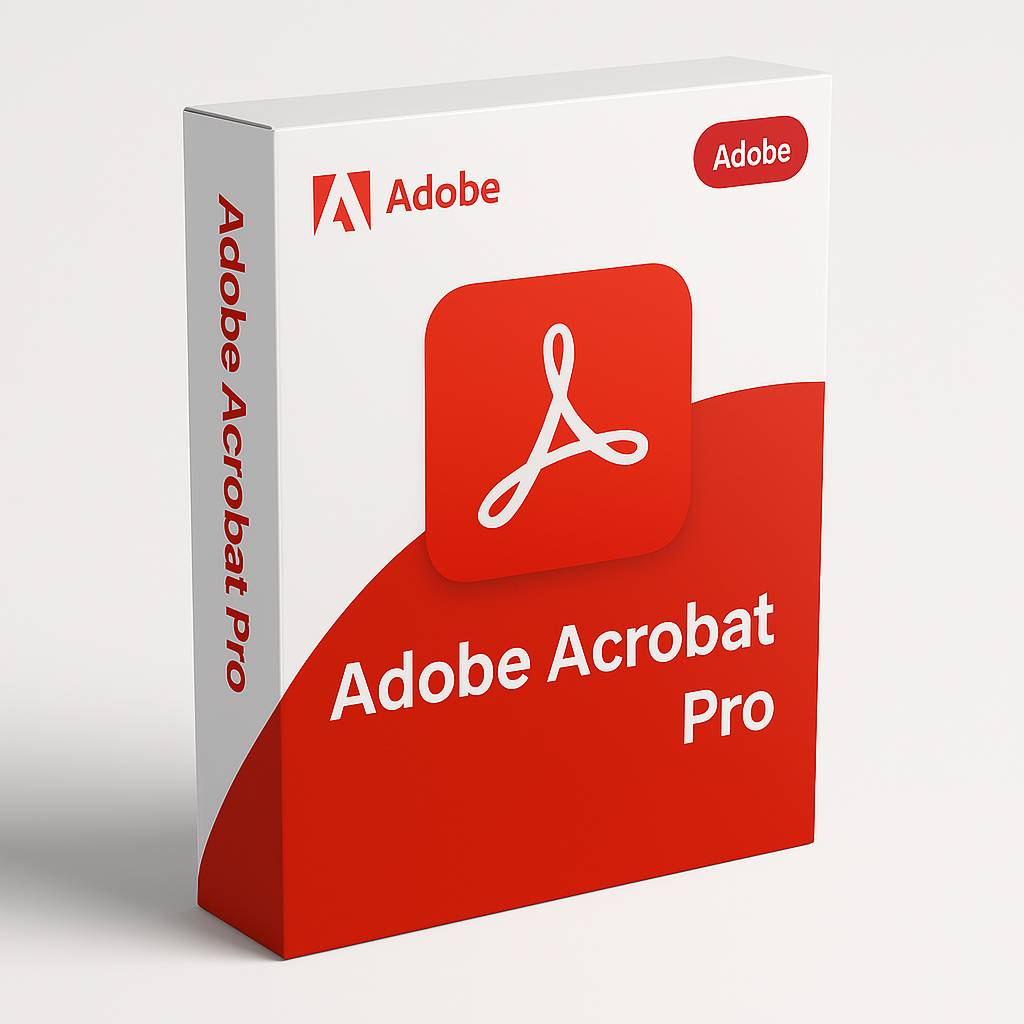
Adobe Acrobat Pro is a powerful and reliable PDF software designed for users who need advanced document tools. Whether you’re managing contracts, reviewing reports, creating forms, or collaborating on shared documents, this application provides a complete solution for handling PDFs efficiently. Trusted by businesses, educators, and professionals worldwide, it helps streamline document workflows and improve productivity.
✏ Create and Edit PDF Documents with Precision
One of the core strengths of Adobe Acrobat Pro is its ability to create and edit PDF files with accuracy. Users can convert documents from Microsoft Word, Excel, PowerPoint, images, or web pages into high-quality PDFs. Editing tools allow you to modify text, update formatting, replace images, and reorganize pages without needing the original file.
This flexibility makes the software ideal for updating proposals, correcting documents, and maintaining consistent formatting across projects.
🔄 Convert PDFs to Editable Formats
With Adobe Acrobat Pro, you can convert PDF files back into editable formats such as Word, Excel, or PowerPoint. The conversion process preserves layout, fonts, and structure, reducing the need for manual adjustments. This feature is especially useful for teams that need to reuse content or extract information from existing PDF files.
📝 Fill, Sign, and Send Documents Digitally
Modern workflows often require quick approvals and digital signatures. Adobe Acrobat Pro includes tools for filling forms, collecting signatures, and sending documents electronically. Users can add legally recognized digital signatures, track signing progress, and store completed documents securely.
These features reduce paperwork and help speed up approval processes for contracts, agreements, and school forms.
🔐 Advanced Security and File Protection
Protecting sensitive information is essential, and Adobe Acrobat Pro offers robust security tools. Users can apply password protection, restrict access, control printing or editing permissions, and encrypt files to safeguard data. Redaction tools allow permanent removal of confidential text or images, ensuring private information stays protected.
This level of security makes the software suitable for legal, financial, and administrative use.
🔍 OCR Technology for Scanned Documents
The built-in OCR (Optical Character Recognition) feature in Adobe Acrobat Pro transforms scanned documents into searchable and editable text. This is ideal for digitizing paper records, invoices, forms, or handwritten notes. Once processed, users can search, copy, and edit text within scanned files, making document management far more efficient.
💬 Collaboration and Review Tools
Collaboration is easier with Adobe Acrobat Pro. Users can add comments, highlights, notes, and drawing tools to PDFs for feedback and review. Shared documents allow multiple users to contribute comments without altering the original file. This makes it an excellent tool for group projects, document reviews, and academic assignments.
🌐 Work Across Devices and Platforms
The software works seamlessly across desktop and mobile devices, allowing access to documents anytime, anywhere. Users can view, edit, and sign PDFs from different platforms while keeping files synchronized. This flexibility supports remote work, online learning, and mobile productivity.
📁 Form Creation and Data Collection
Users can design interactive forms with text fields, checkboxes, and drop-down menus. Adobe Acrobat Pro simplifies form creation and enables efficient data collection, making it useful for surveys, applications, and registrations.
🎯 Why Choose Adobe Acrobat Pro?
Choosing Adobe Acrobat Pro means working with an industry-leading PDF solution trusted for accuracy, security, and reliability. Its advanced editing, conversion, security, and collaboration tools support professional document workflows across many industries. Whether for business, education, or personal use, it provides everything needed to manage PDFs effectively.
Only logged in customers who have purchased this product may leave a review.

 RM4,880.00
Reviews
There are no reviews yet.