
RM300.00 – RM2,680.00Price range: RM300.00 through RM2,680.00
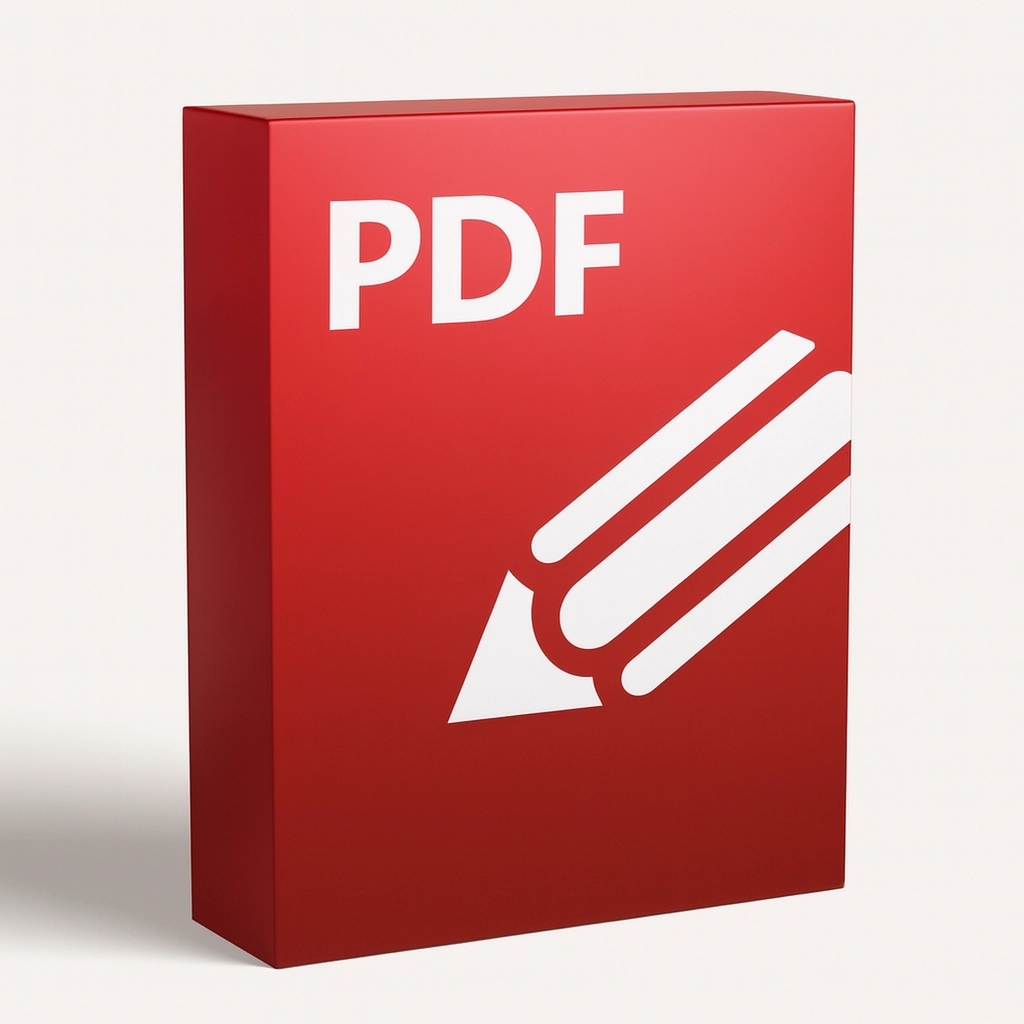
is a powerful, lightweight PDF editor for Windows that delivers advanced editing, OCR, form creation, and annotation tools in a fast, user-friendly interface. Ideal for professionals, educators, and businesses that need reliable PDF workflows
PDF-XChange Editor Plus is a professional-grade PDF editor designed to streamline document workflows without sacrificing speed or affordability. Built for users who need more than just viewing capabilities, this edition adds advanced features such as enhanced OCR, form creation and editing, and expanded annotation tools. Whether you’re preparing contracts, marking up reports, or converting scanned documents into searchable files, PDF-XChange Editor Plus gives you the control and precision required for modern document management.
Core Features
Performance and Usability
Designed to be lightweight and responsive, PDF-XChange Editor Plus opens large documents quickly and performs edits with minimal lag. The customizable interface lets you tailor toolbars and shortcuts to match your workflow, while built-in templates and wizards reduce setup time for common tasks. Frequent updates ensure compatibility with the latest PDF standards and Windows versions.
Who Benefits Most
Why Choose PDF-XChange Editor Plus
Compared to bulky alternatives, PDF-XChange Editor Plus balances advanced functionality with performance and affordability. Its OCR accuracy, robust annotation set, and form tools make it a versatile choice for teams and individuals who demand professional results without a steep learning curve. The software supports a wide range of file types and integrates smoothly into existing document workflows.
Support and Licensing
Licensing options include single-user and volume licenses with clear upgrade paths. Comprehensive documentation, tutorials, and responsive customer support help you get the most from your purchase. Regular feature updates and security patches keep your installation current and reliable.
Final Summary
If you need a fast, feature-rich PDF editor that handles OCR, forms, annotations, and secure workflows with ease, PDF-XChange Editor Plus is an excellent choice. It delivers professional capabilities in a compact package, helping you save time and improve document accuracy across everyday and specialized tasks.
| Annual Licenses | Single User License, 3 User Pack, 5 User Pack, 10 User Pack |
|---|
Only logged in customers who have purchased this product may leave a review.
Reviews
There are no reviews yet.