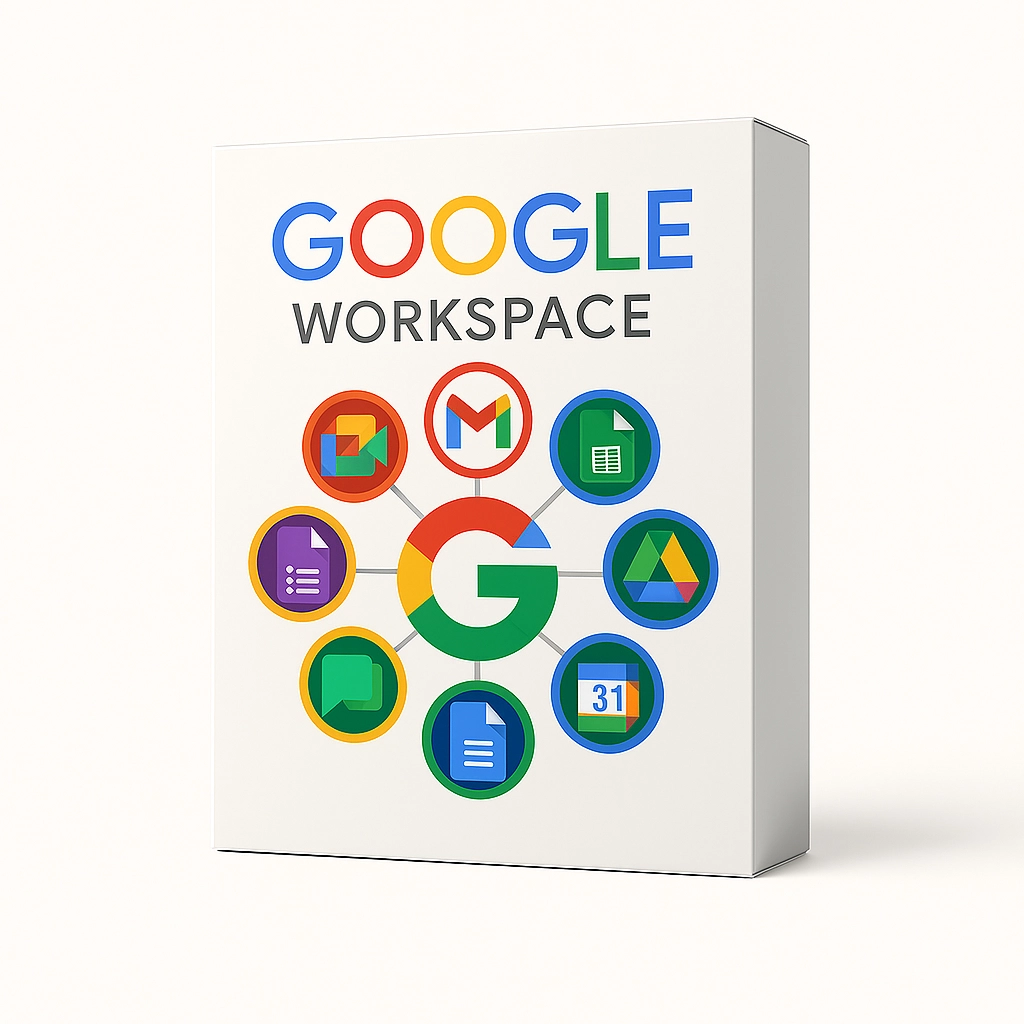
Google Workspace is a powerful cloud-based productivity platform built to support modern work and learning environments. It combines essential communication and collaboration tools into one secure ecosystem, making it easier for teams and individuals to work together efficiently. Whether used by small businesses, schools, or growing organizations, this platform provides reliable tools that support productivity from anywhere.
📧 Professional Email Built for Organizations
One of the core features of Google Workspace is professional email powered by Gmail. Organizations can create custom email addresses using their own domain name, helping establish a professional brand presence. The email system includes advanced spam filtering, reliable uptime, and strong security protections.
Integrated calendars help users schedule meetings, manage appointments, and coordinate with team members seamlessly.
📁 Secure Cloud Storage with Google Drive
Google Drive provides centralized cloud storage for files, documents, images, and presentations. Users can access their files from any device and share them securely with others. Permission settings allow control over who can view, comment, or edit content, ensuring data remains protected.
Version history helps recover previous file changes, making collaboration safer and more flexible.
📝 Real-Time Document Collaboration
With tools like Docs, Sheets, and Slides, Google Workspace allows multiple users to work on the same file at the same time. Changes appear instantly, eliminating the need for back-and-forth emails. Comments and suggestions make feedback clear and organized.
These tools are ideal for reports, presentations, data tracking, school assignments, and collaborative projects.
💬 Team Communication Made Simple
Effective communication is essential, and Google Workspace includes built-in messaging tools that support both direct and group conversations. Teams can organize discussions around projects, share files instantly, and keep communication connected to their work.
This helps reduce email overload and improves clarity across teams.
🎥 Secure Video Meetings with Google Meet
Google Meet provides high-quality video conferencing for meetings, classes, and team discussions. Users can host or join meetings easily, share screens, and collaborate in real time. Security features help protect meetings from unauthorized access, making it suitable for professional and educational use.
🔐 Enterprise-Grade Security & Admin Controls
Security is a major strength of Google Workspace. The platform includes encryption, multi-step verification, and advanced security controls. Administrators can manage users, set access policies, and monitor activity from a central admin console.
These tools help organizations protect sensitive information and maintain compliance.
🌍 Flexible & Scalable for Any Team Size
Whether supporting a small team or a large organization, Google Workspace scales easily. New users can be added quickly, storage can be expanded, and features adapt as needs grow. This flexibility makes it suitable for businesses, schools, and non-profit organizations.
🎯 Why Choose Google Workspace?
Choosing Google Workspace means adopting a reliable, cloud-first productivity solution trusted worldwide. With its combination of communication tools, file storage, real-time collaboration, and strong security, it supports efficient workflows and modern teamwork across any environment.
Only logged in customers who have purchased this product may leave a review.

 RM4,880.00



Reviews
There are no reviews yet.